 Midou
e7a5fe2cfe
Midou
e7a5fe2cfe

All checks were successful
main / lint-frontend (push) Successful in 4m26s
main / test-backend (push) Successful in 4m21s
main / test-frontend (push) Successful in 4m30s
main / test (push) Successful in 3s
main / lint-backend (push) Successful in 6m29s
main / lint (push) Successful in 3s
main / release (push) Has been skipped
45 lines
2.5 KiB
Markdown
45 lines
2.5 KiB
Markdown
<p align="center">
|
|
<img src="https://raw.githubusercontent.com/filebrowser/logo/master/banner.png" width="550"/>
|
|
</p>
|
|
|
|
|
|
|
|
[](https://git.linuxcrack.zip/midou/filebrowser-fork/actions/workflows/main.yaml)
|
|
[](http://godoc.org/github.com/filebrowser/filebrowser)
|
|
[](https://git.linuxcrack.zip/midou/filebrowser-fork/releases/latest)
|
|
|
|
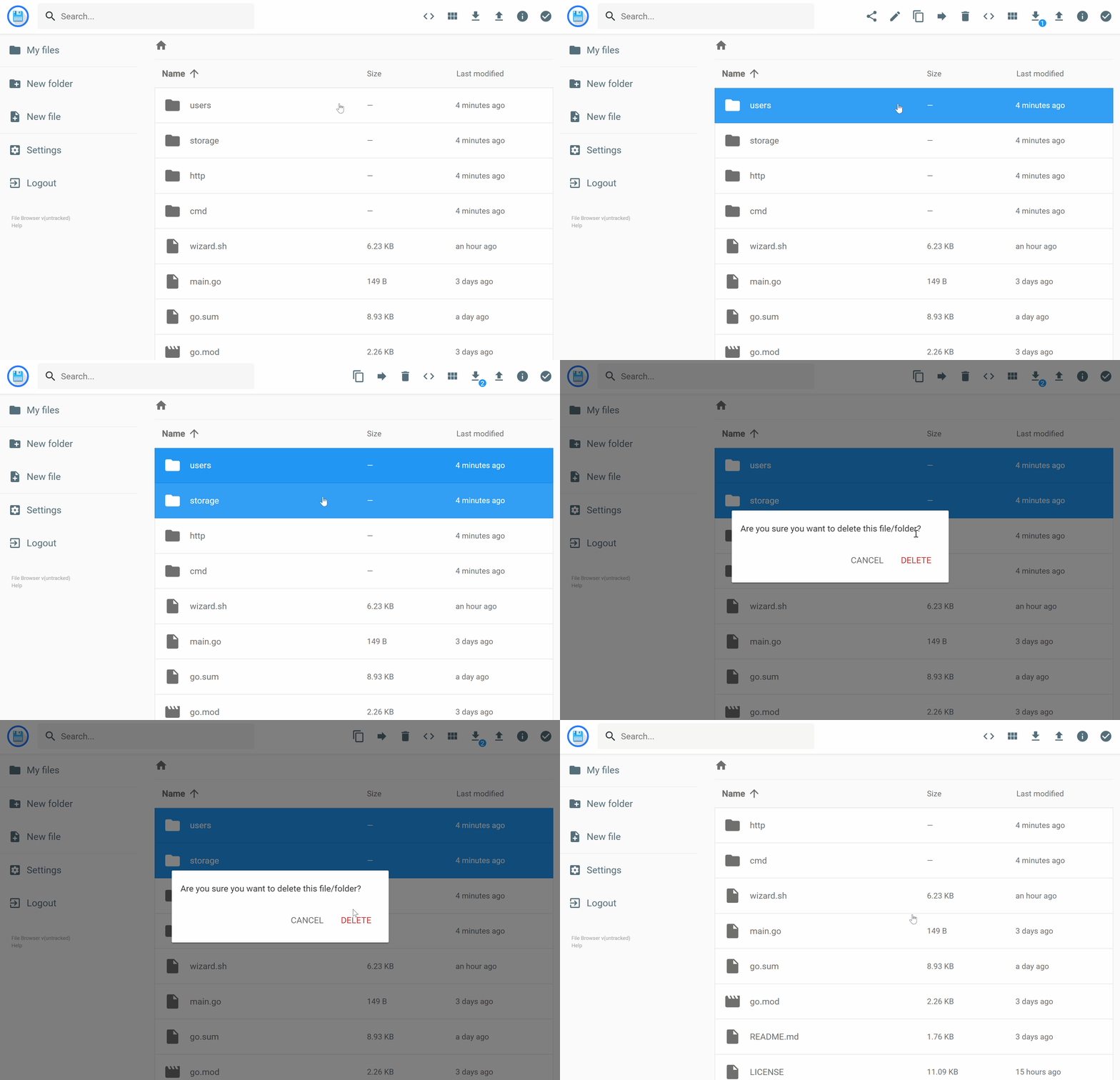
filebrowser provides a file managing interface within a specified directory and it can be used to upload, delete, preview, rename and edit your files. It allows the creation of multiple users and each user can have its own directory. It can be used as a standalone app.
|
|
|
|
# This is a soft fork and is not meant to be used without knowing what it does
|
|
|
|
## Goal
|
|
- Merge and edit PRs that haven't merged on the official repository.
|
|
- Keep the stability and staying up to date with the main repo.
|
|
|
|
## Changes:
|
|
- Fix the player (thanks [@ccar30](https://github.com/ccar30))
|
|
- Add a crude logger for downloads.
|
|
|
|
Below is the rest of the orignal repository links that may be relevant to the fork.
|
|
---
|
|
|
|
## Features
|
|
|
|
Please refer to our docs at [https://filebrowser.org/features](https://filebrowser.org/features)
|
|
|
|
## Install
|
|
|
|
For installation instructions please refer to our docs at [https://filebrowser.org/installation](https://filebrowser.org/installation).
|
|
|
|
## Configuration
|
|
|
|
[Authentication Method](https://filebrowser.org/configuration/authentication-method) - You can change the way the user authenticates with the filebrowser server
|
|
|
|
[Command Runner](https://filebrowser.org/configuration/command-runner) - The command runner is a feature that enables you to execute any shell command you want before or after a certain event.
|
|
|
|
[Custom Branding](https://filebrowser.org/configuration/custom-branding) - You can customize your File Browser installation by change its name to any other you want, by adding a global custom style sheet and by using your own logotype if you want.
|
|
|
|
## Contributing
|
|
|
|
If you're interested in contributing to this project, our docs are best places to start [https://filebrowser.org/contributing](https://filebrowser.org/contributing).
|